
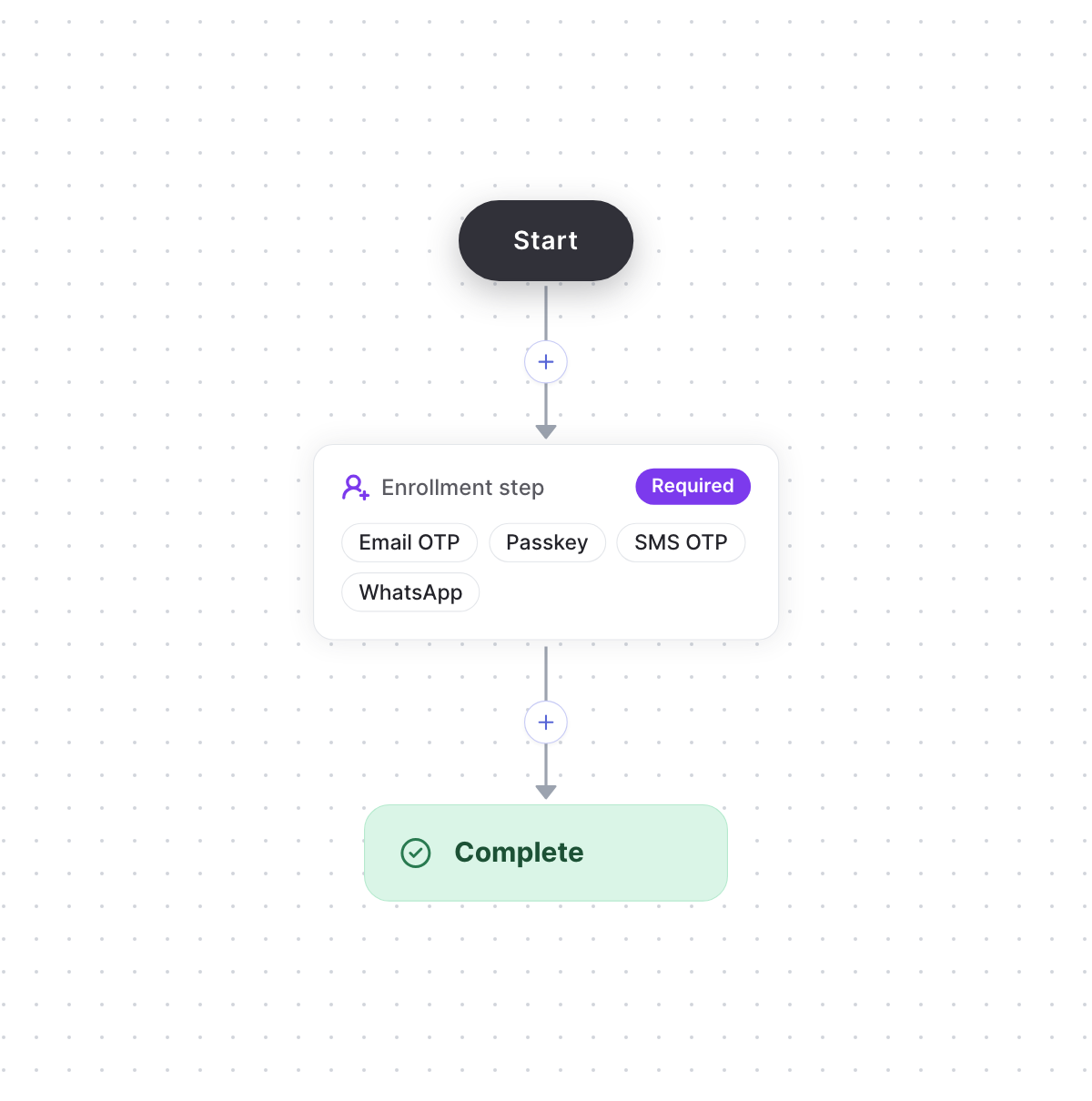
Users choose a method to set up
Build the flow
1
Set up the methods
Set up the methods users can choose, such as email OTP, passkeys, SMS OTP and WhatsApp, on the
Authenticators page.
2
Start from the Basic enrollment template
Create a Flows action, such as
enrollMethod, and choose the Basic enrollment template. It
gives you a required enrollment step that offers every method you’ve set up, then Complete.
Required means users can’t continue until they set up a method. The step leaves out methods
the user already has.3
Adjust the flow (optional)
- To let users skip it, set Requirement to Optional.
- To have users verify first, add a verification step before the enrollment step.
4
Publish the flow
Select Publish. Then start and verify the flow from your backend, as in the
quickstart.