

- Keep your action configurations, rules, themes, and message overrides in version control.
- Review configuration changes through pull requests before applying them.
- Promote configuration changes between environments, for example from a staging tenant to production.
Get started
1
Create a Management API secret key
The provider authenticates using a Management API secret key, which you can generate in the Authsignal Portal.
2
Configure the provider
The provider needs the following 3 values, all shown on the portal page linked above. You can write them directly into your Terraform files, but we recommend supplying them as environment variables, especially for production environments.
The
host value is your API host URL with /v1/management appended.3
Initialize and start declaring resources
Run
terraform init to validate the configuration. From here you can start declaring resources. See Working with resources below for examples, and the Terraform registry for the full list of available resources.Adopt Terraform on an existing tenant
If your tenant already has configuration you created in the portal, you don’t need to delete it and recreate it in Terraform. Two techniques make adoption easier:- Export rule JSON from the portal. Rules are easier to build in the portal’s editor than to write by hand, so configure them there first and export the result.
- Import existing resources. Use
terraform importto bring resources that already exist in your tenant under Terraform management. Write the corresponding Terraform for the resource, then import it using the address syntax shown under each resource’s documentation on the Terraform registry. Import commands for each resource type are shown in Working with resources below.
Exporting rule JSON from the portal
After configuring a rule in the portal, you can export the rule’s JSON:1
Click 'Edit'
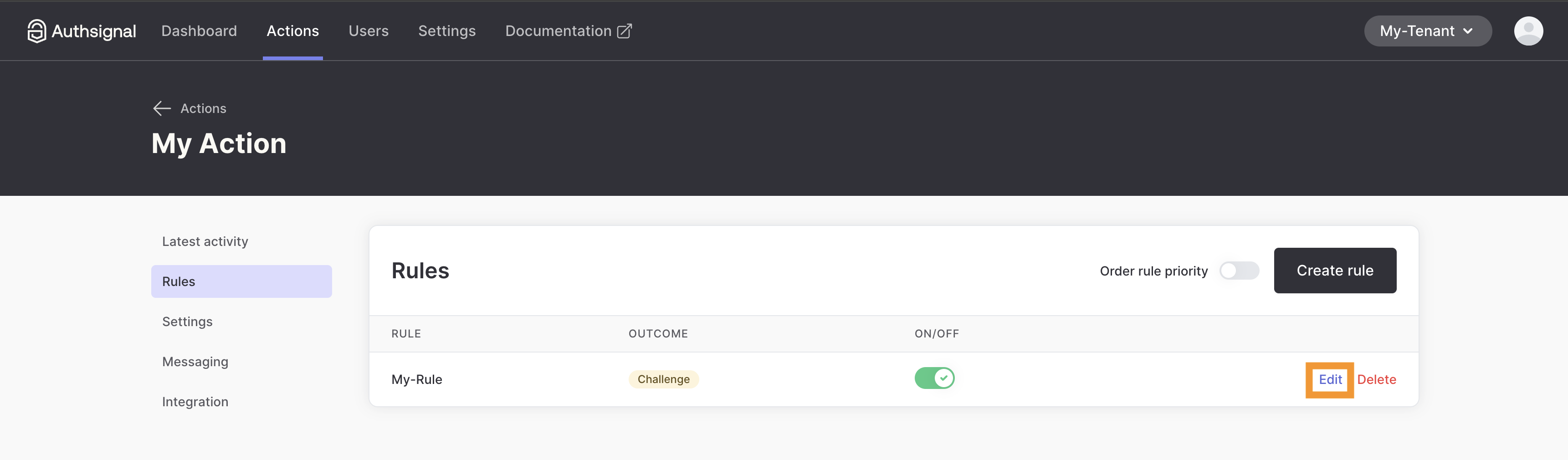
2
Click 'Export'
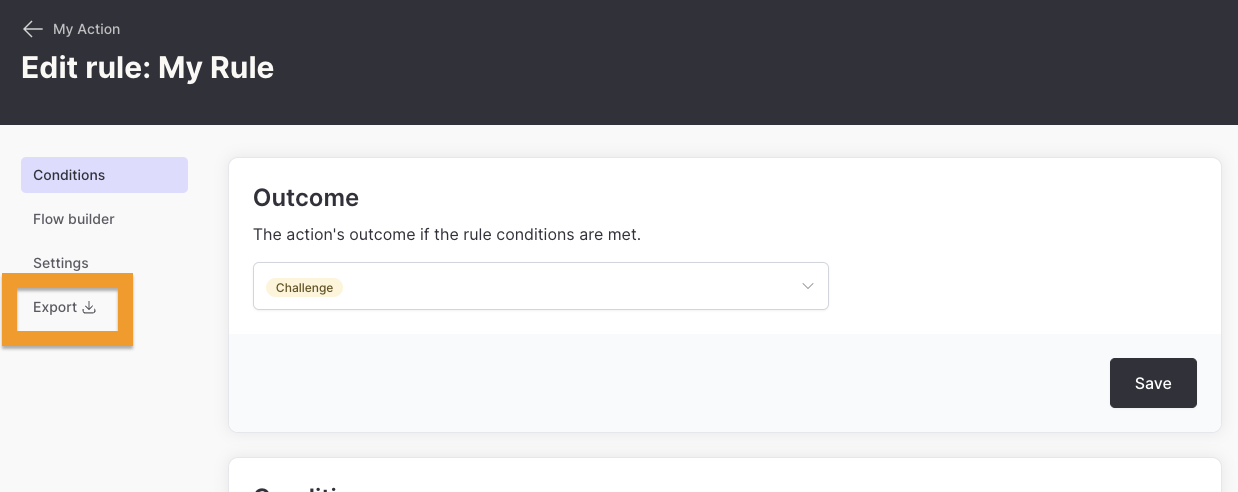
Working with resources
The sections below cover the most common resources. The Terraform registry is the source of truth for the full list of resources and their attributes.Action configurations
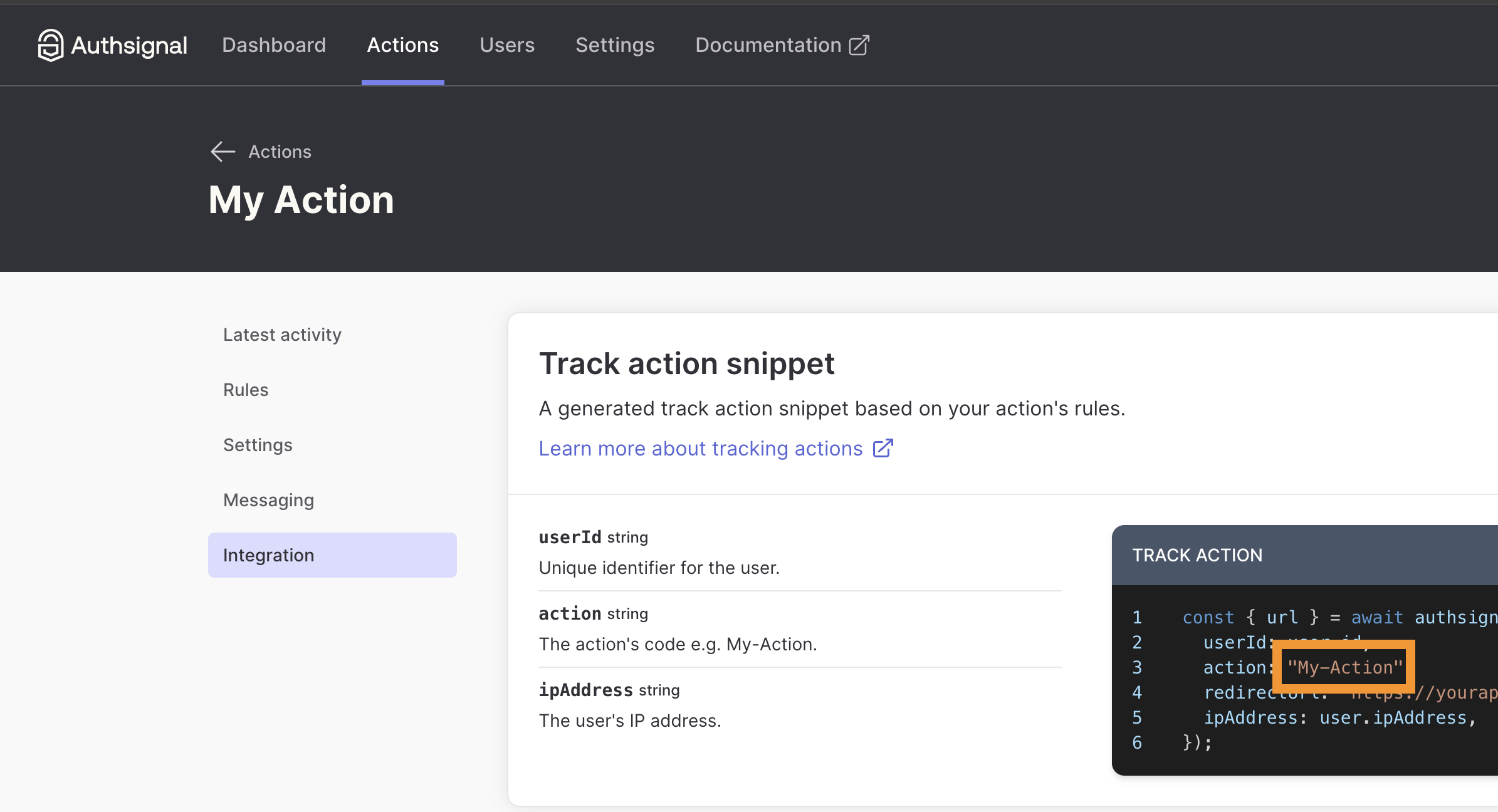
Rules
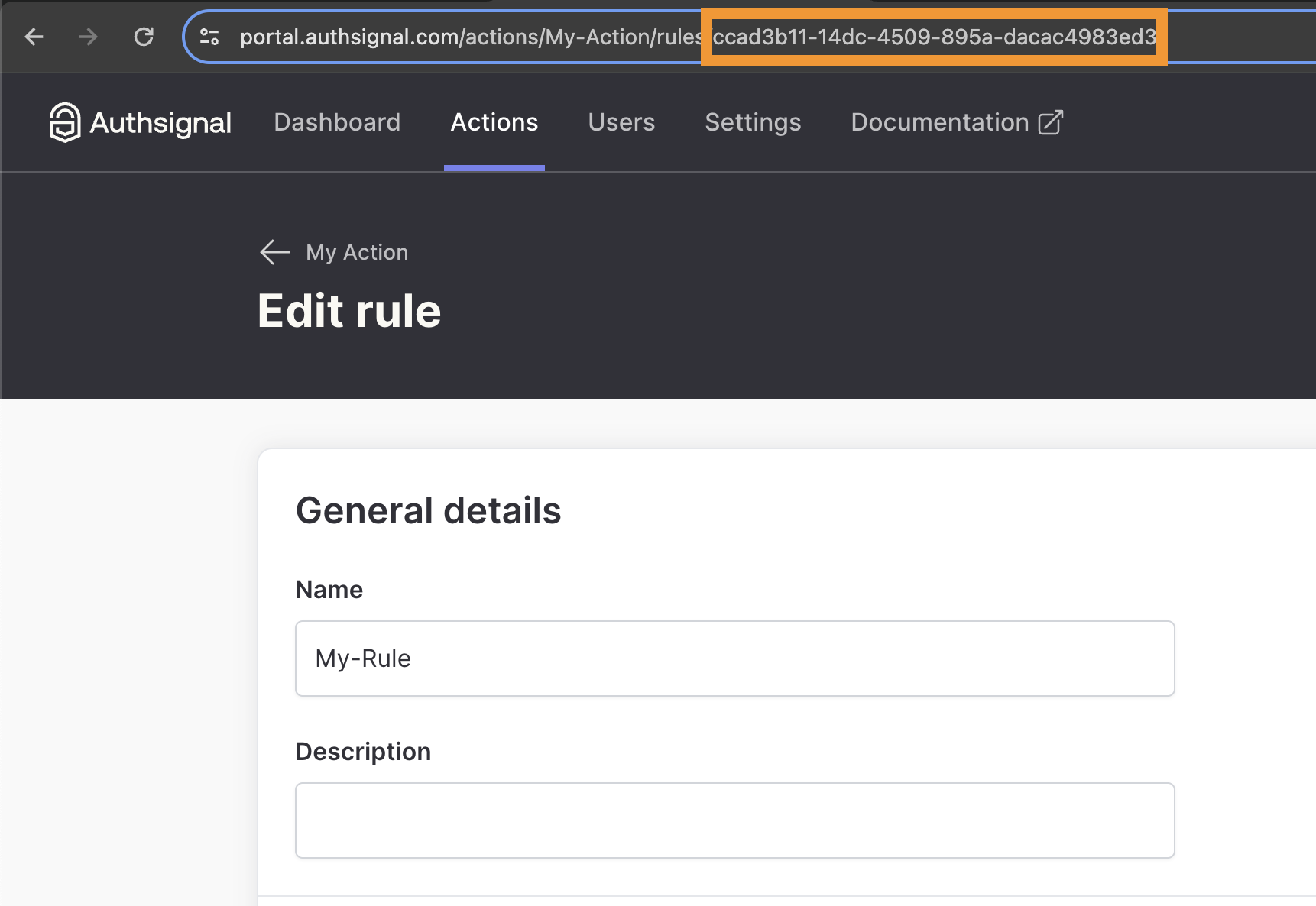
Themes
Themes control the branding of the pre-built UI. A tenant has a single theme, and every tenant starts with default theme settings, so import the existing theme before managing it with Terraform.Message overrides
Message overrides let you replace the default copy shown in the pre-built UI, per locale. If the tenant doesn’t have any overrides yet, you can declare the resource and apply it directly. If overrides already exist (for example, configured in the portal), import them first so the plan shows what will change. Otherwise the apply is rejected to avoid silently overwriting them. Theoverrides attribute is a map keyed by locale, then by message override ID (e.g. sms-code-entry.heading). Applying is a full replacement: any override not present is removed, and omitting overrides clears them all.
authsignal_message_overrides_catalog data source:
authsignal_message_overrides data source:
"" ID: