

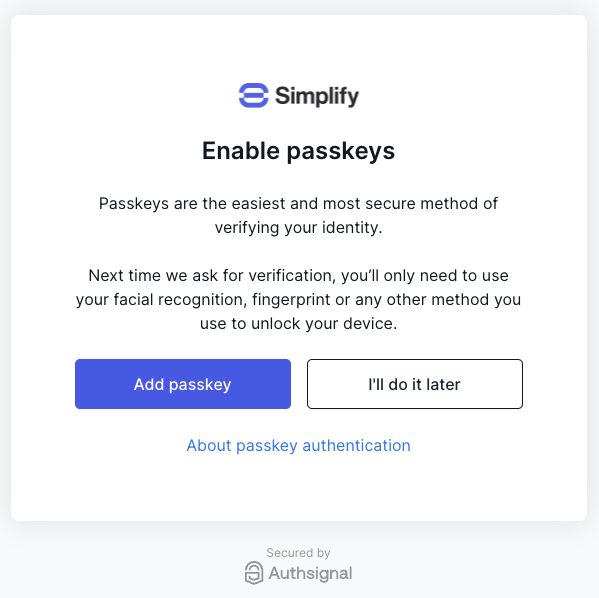
Controlling the prompt frequency
By default, the passkey uplift prompt will be shown after every successful authentication. You can change the frequency of the prompt in the pre-built UI passkey settings.Disabling the prompt
To opt out of the passkey uplift prompt, you can disable it in the pre-built UI passkey settings.Advanced configuration
If you want finer control over when the passkey uplift prompt is shown, you can configure it on a per-action or per-rule basis. First, make sure to opt out of the default behavior by disabling the passkey uplift prompt in the pre-built UI passkey settings. To configure the prompt for an action:- Navigate to your action’s configuration settings in the Authsignal Portal.
- Go to the Settings tab.
- Toggle the Prompt users to add a passkey switch to on.
- Navigate to your action’s configuration settings in the Authsignal Portal.
- Go to the Rules tab.
- View your rule and go to the Settings tab.
- Toggle the Prompt users to add a passkey switch to on.
Troubleshooting visibility
There are a few reasons a user may not see the uplift prompt:- Device doesn’t support passkeys: the prompt is only shown on devices that support passkeys.
- Passkey already enrolled on the device: if the user has already set up a passkey on their current device, the prompt will not be shown.
- Prompt frequency hasn’t elapsed: if Prompt frequency is set to anything other than “Every Challenge”, the prompt will only reappear once the configured interval has passed since the user last dismissed it.