

How it works
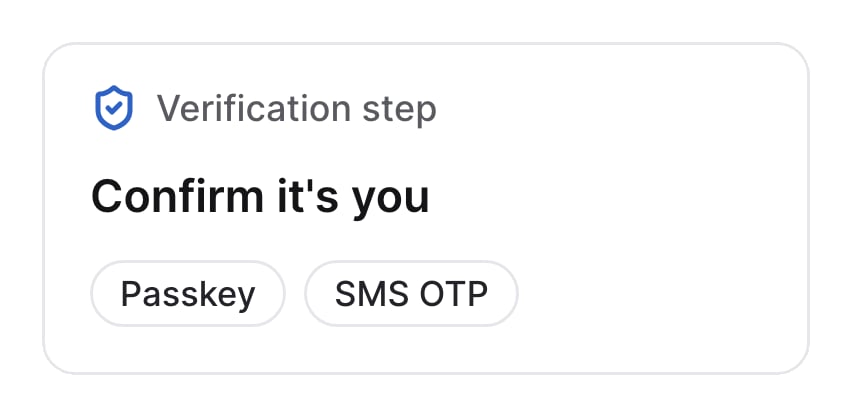
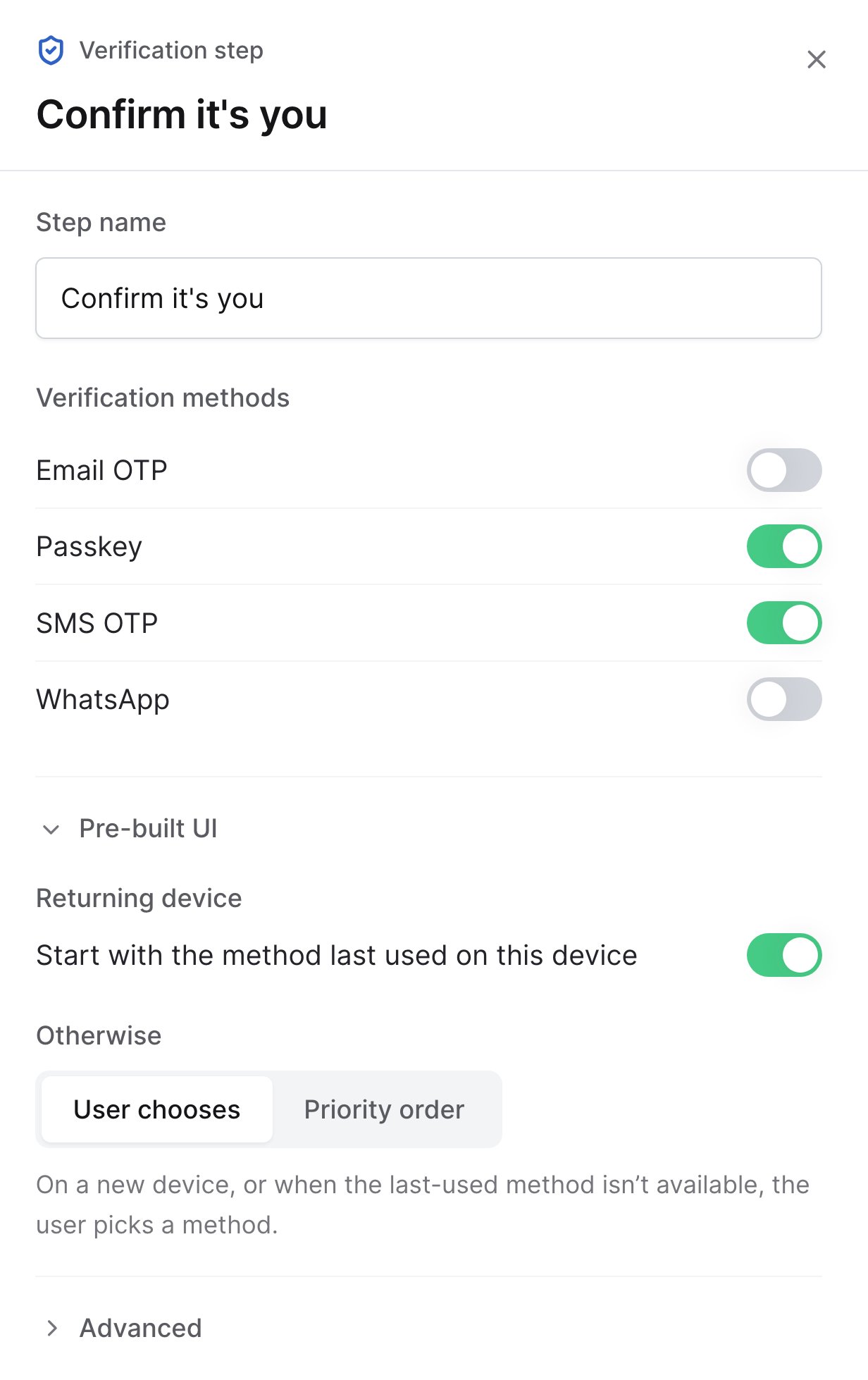
- Turn on the methods users can verify with. The step only offers the ones the user has enrolled.
- If the user has none of them, the flow ends and Verify Flow returns
CHALLENGE_FAILED.
Users verify with a passkey or SMS OTP
Pre-built UI
These settings only apply when users verify in the pre-built UI.Starting method
Choose which method users see first. Users can still switch to another method.- Start with the method last used on this device: returning users start on the method they last used on that device.
- Otherwise: what happens on a new device, or when the last-used method isn’t available. If you turn off the last-used option, this applies every time.
- User chooses: users pick a method.
- Priority order: users start on the first method in your list that they can use.