

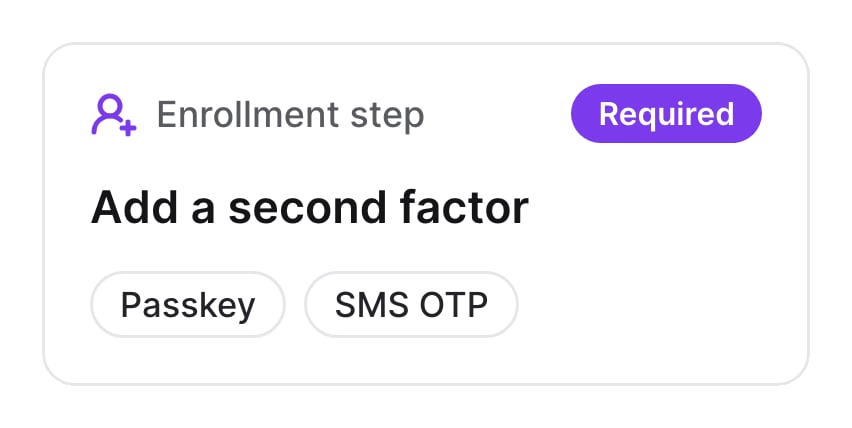
How it works
- Turn on the methods users can enroll. The step leaves out methods the user has already enrolled, except passkeys, which users can enroll more than once.
- Required means users can’t continue until they enroll a method. Optional lets them skip it.
- Only Complete or Manage methods can follow an optional step. Users who skip it still complete the flow.
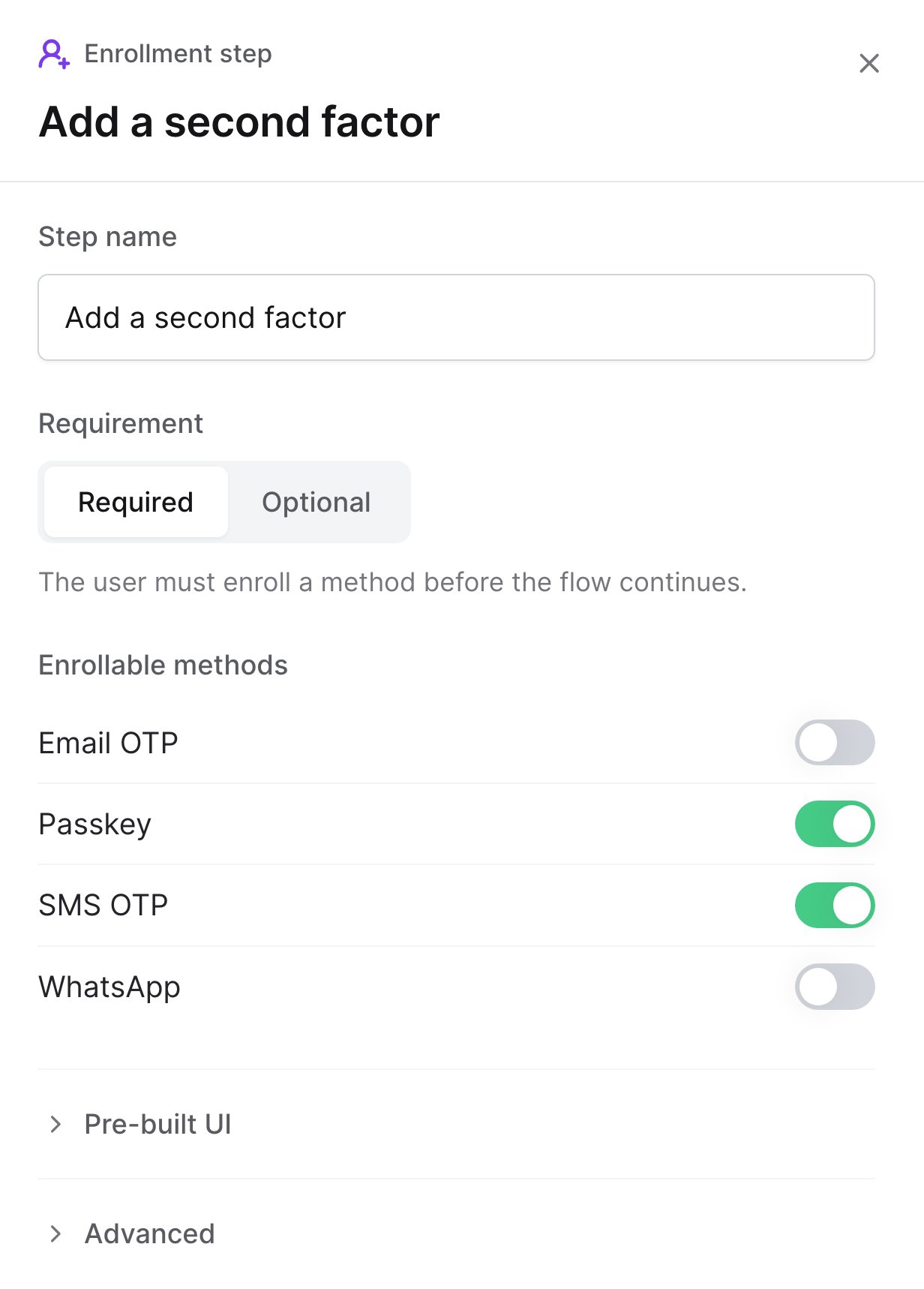
Users must enroll a passkey or SMS OTP