

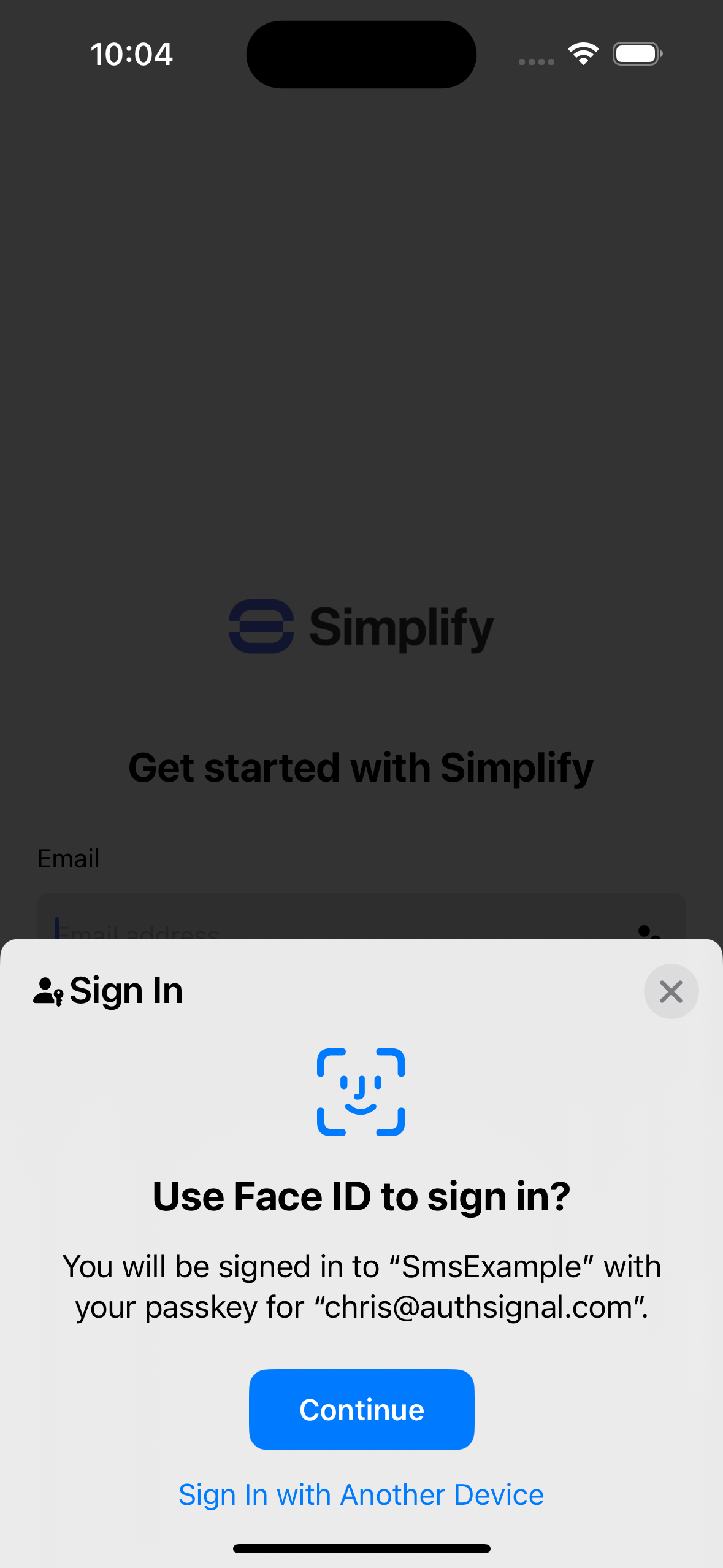
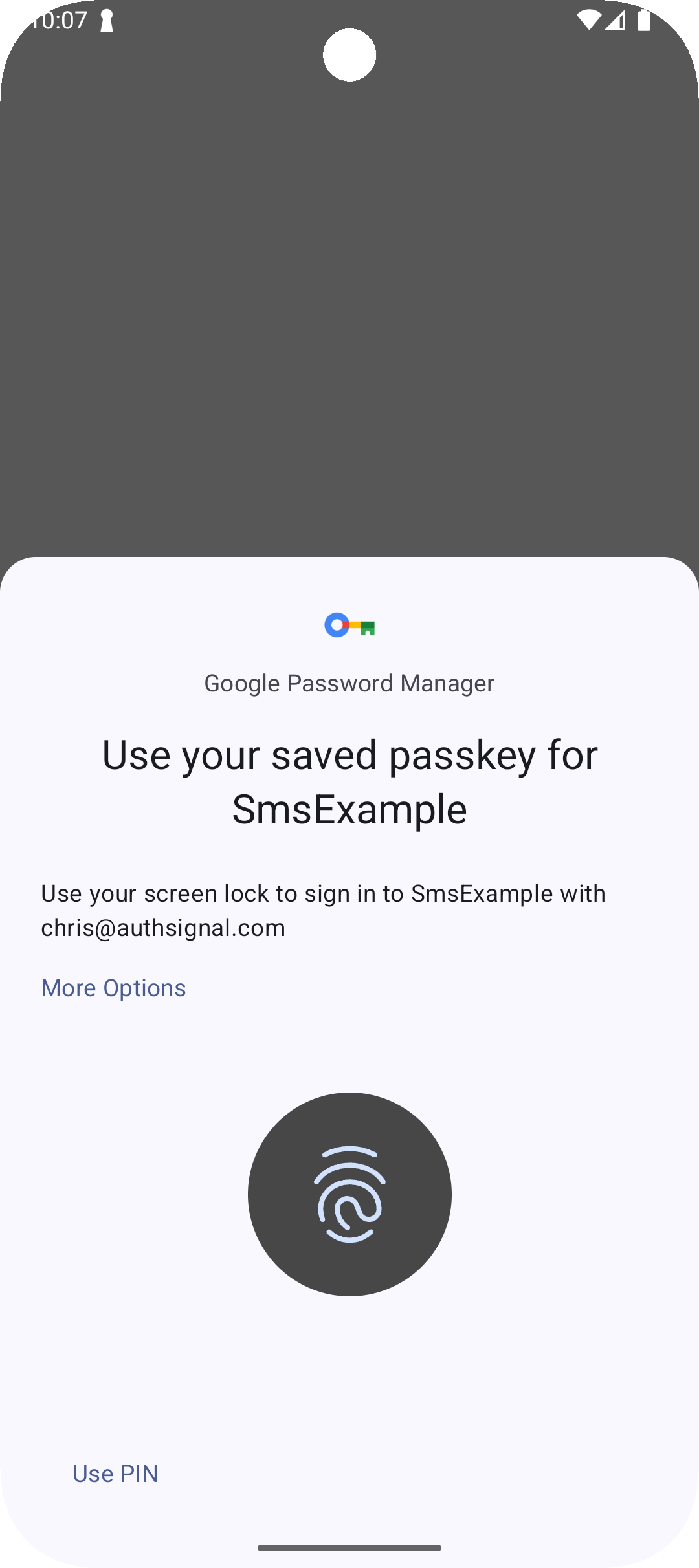
Using Authsignal Mobile SDKs to display native passkey UI on iOS and Android
Authentication methods
Our Mobile SDKs can be used to implement a variety of authentication methods.Passkeys
Add passkeys to your mobile app for phishing-resistant passwordless sign-in and step-up
authentication.
Push verification
Allow users to sign-in across devices using push notifications and public key cryptography.
QR code verification
Allow users to sign-in across devices using QR codes and public key cryptography.
Email OTP
Send OTPs via email to authenticate users and verify email addresses.
SMS
Send OTPs via SMS to authenticate users and verify phone numbers.
Authenticate with OTPs sent via WhatsApp as a cost-saving alternative to traditional SMS.
Authenticator app (TOTP)
Authenticate with time-based one-time passcodes generated in an authenticator app such as Google
Authenticator.
In-app verification
Verify users with strong credentials backed by public key cryptography.