

Prerequisites
- Terraform 1.11 or later.
- The dev tenant’s ID and Management API secret key.
- The repository set up as in How the repository is set up.
1. Configure dev in the portal
Create the dev tenant and configure it. Set up the authenticators before the flow, since the flow editor only offers verification methods that are already enabled.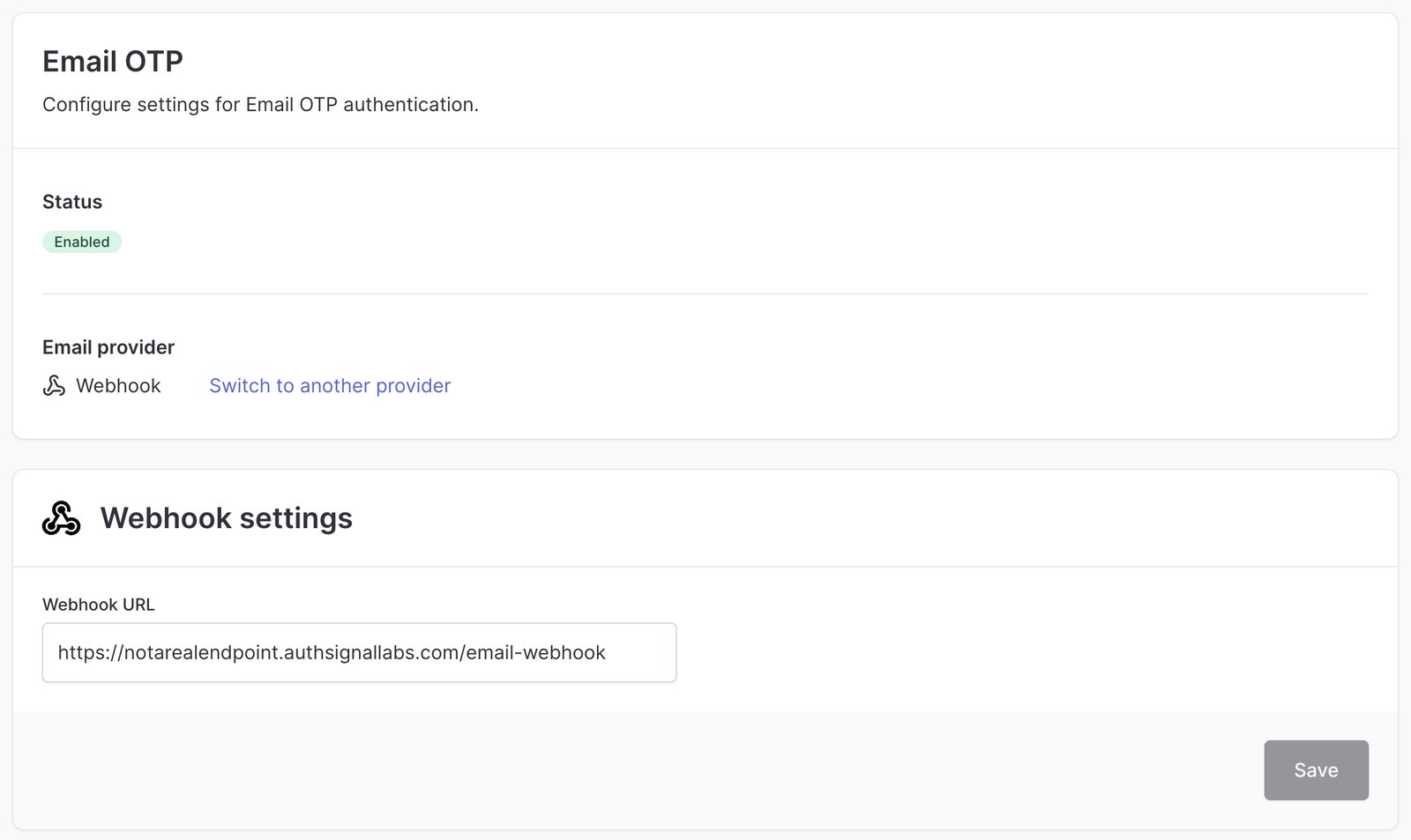
Email OTP enabled with a webhook
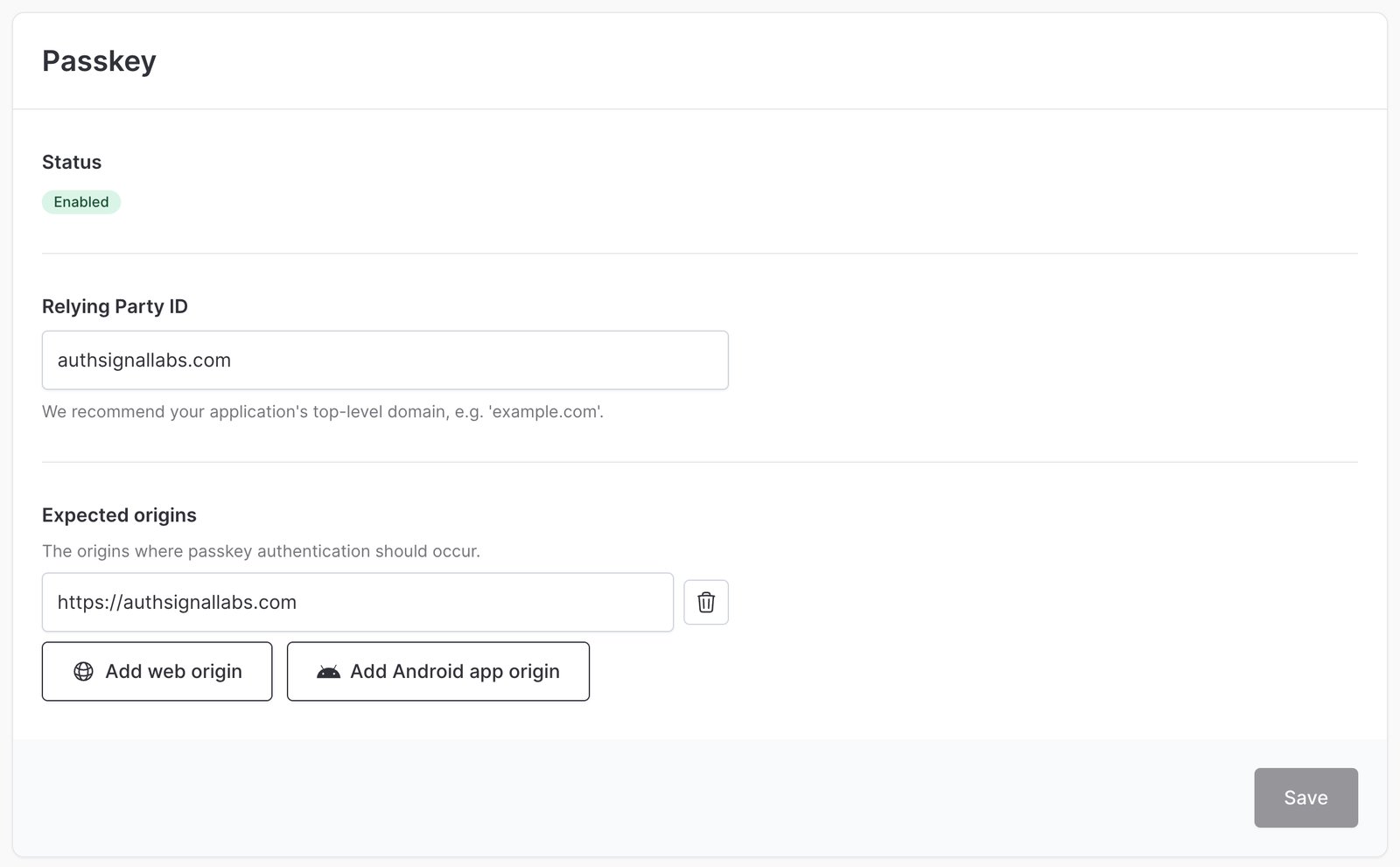
Passkey relying party and expected origins
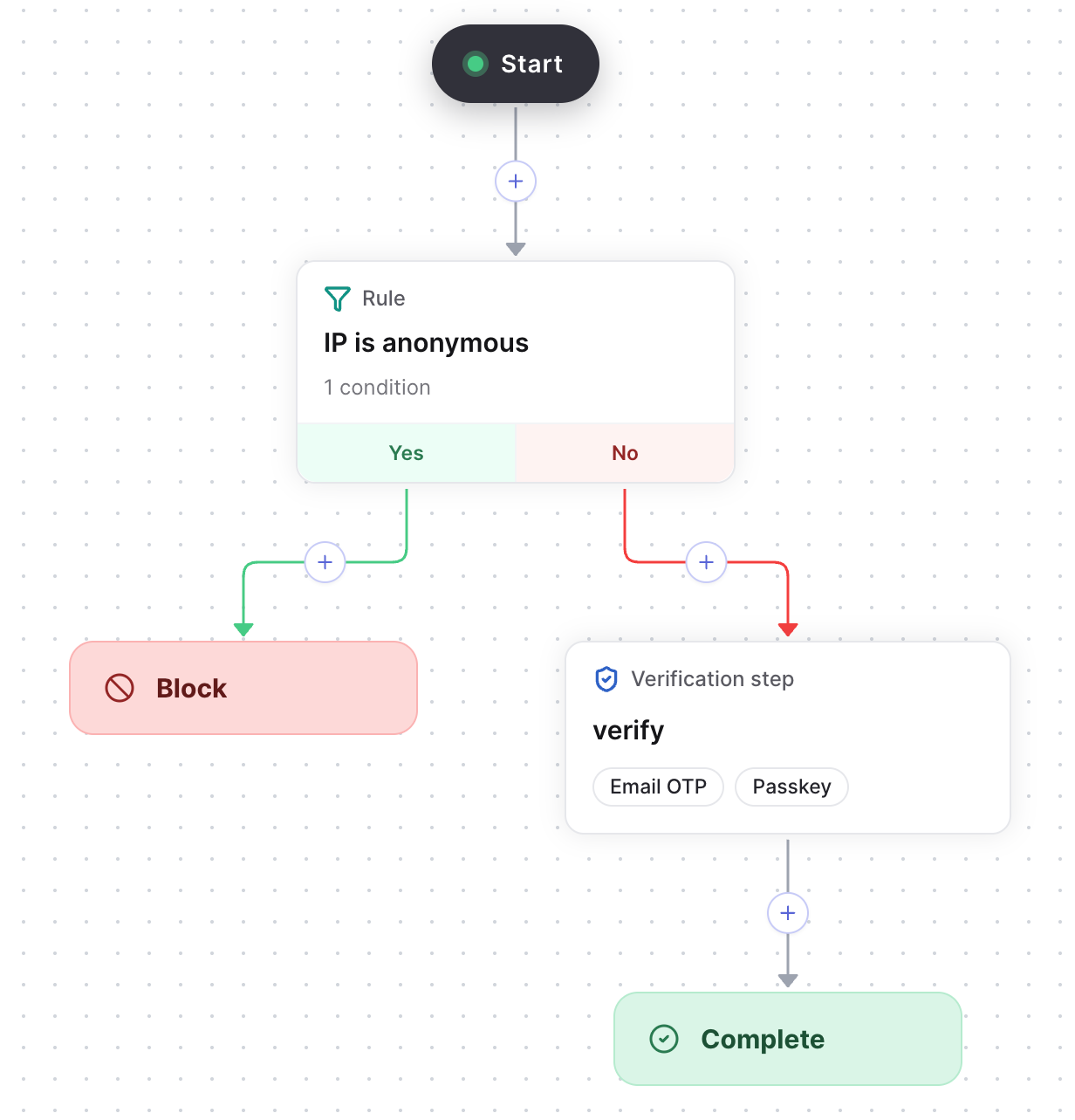
The sign-in flow in the flow editor
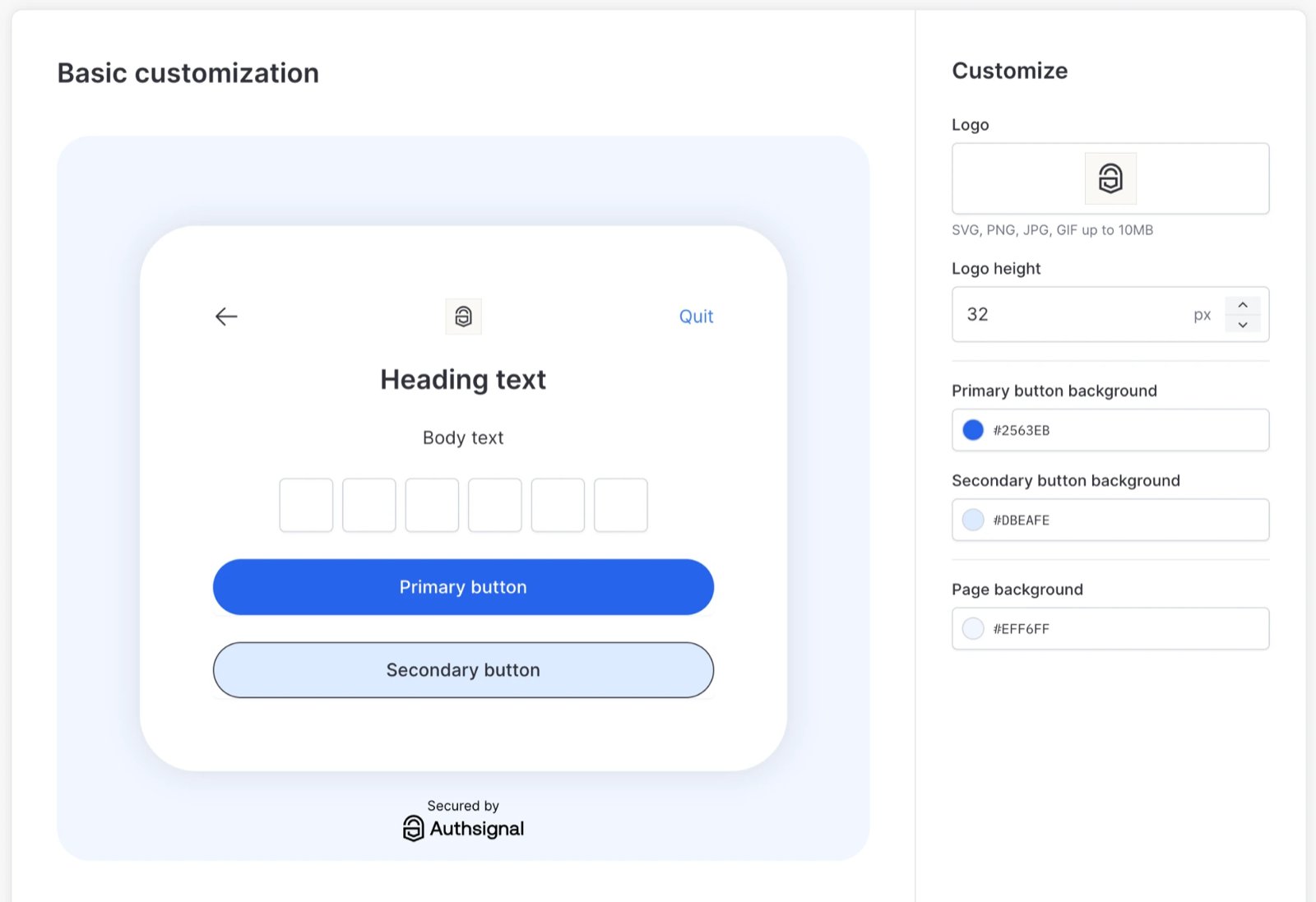
Branding for the pre-built UI
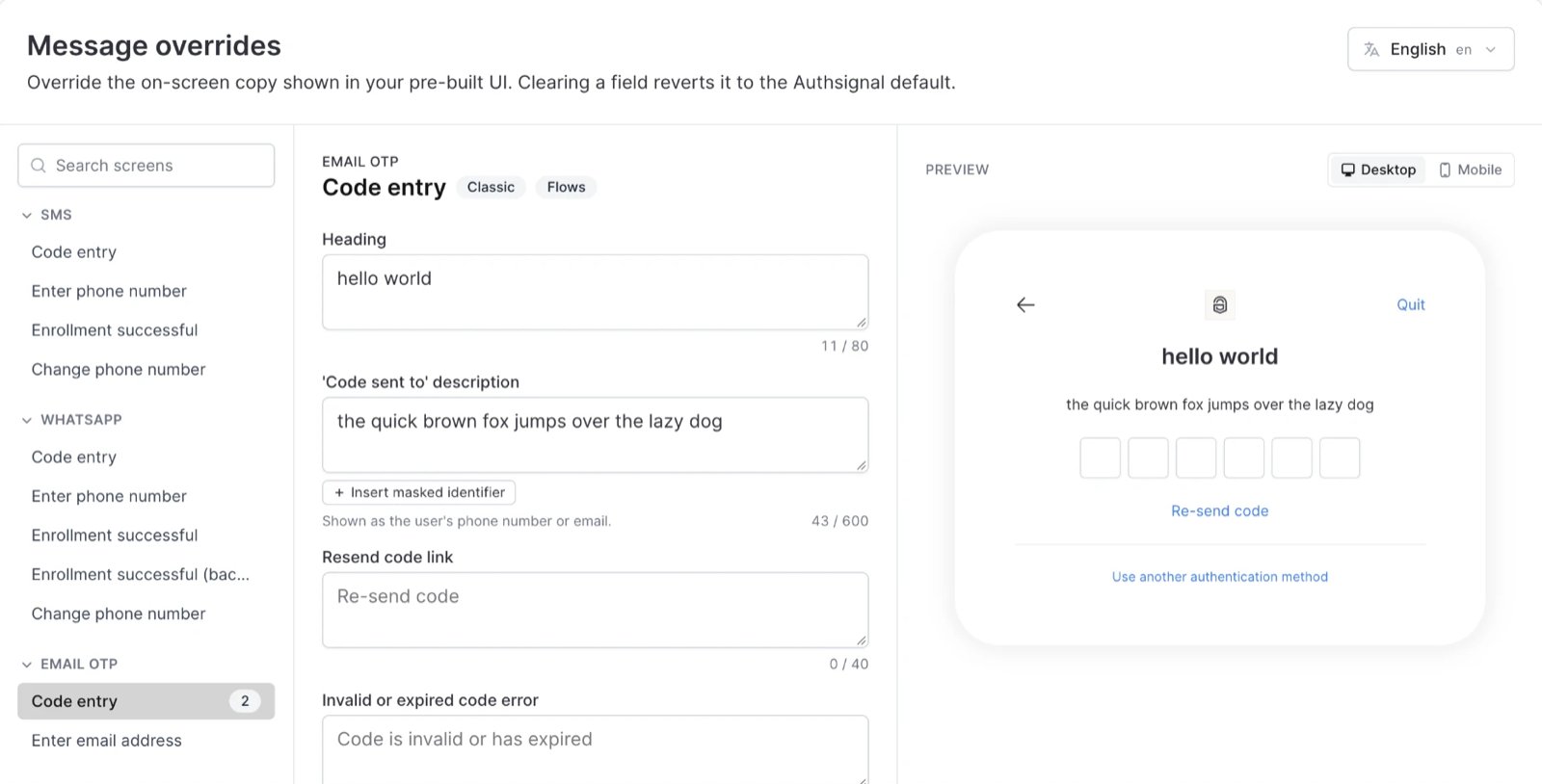
A message override on the Email OTP code entry screen
2. Create a scratch folder
Terraform can only generate code for resources in the folder you run it from, not inside a module. Create a temporaryscratch folder at the repository root, outside envs/, with this main.tf. It’s in .gitignore, so it isn’t committed.
The scratch folder is only a place for Terraform to write the generated code. Planning there reads the dev tenant but doesn’t change it, and you delete the folder once the code is in the module.
import block tells Terraform to take over something that already exists in the tenant. to is the address the resource gets in the code: its resource type, then a name you choose, such as authsignal_flow.sign_in. id tells the provider which one to read from the tenant. Each resource’s page on the Terraform Registry gives the import ID it takes.
3. Generate the code
Set the environment variables for the dev tenant, then run:terraform init downloads the Authsignal provider. -generate-config-out makes the plan write a resource block for each import into generated.tf. The plan ends with:
generated.tf, and applying would create a second state for dev here.
Verify
generated.tf has five resource blocks, one per import. Keep the scratch folder until Build the module from the generated code is done.
If every import fails with Cannot import non-existent remote object, the host is wrong.