> ## Documentation Index
> Fetch the complete documentation index at: https://docs.authsignal.com/llms.txt
> Use this file to discover all available pages before exploring further.
# Mobile SDKs
> Implement authentication flows in native mobile apps using Swift, Kotlin, React Native or Flutter.
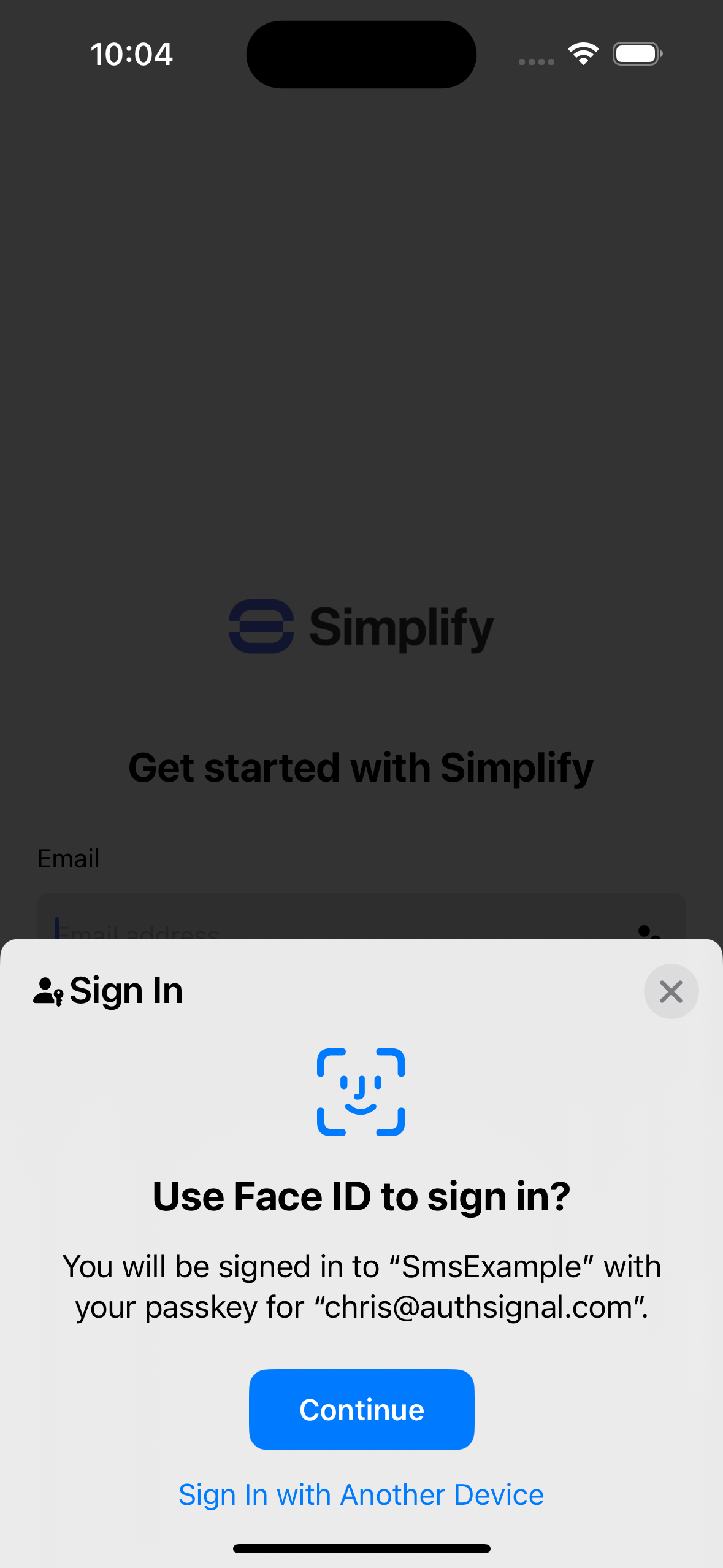
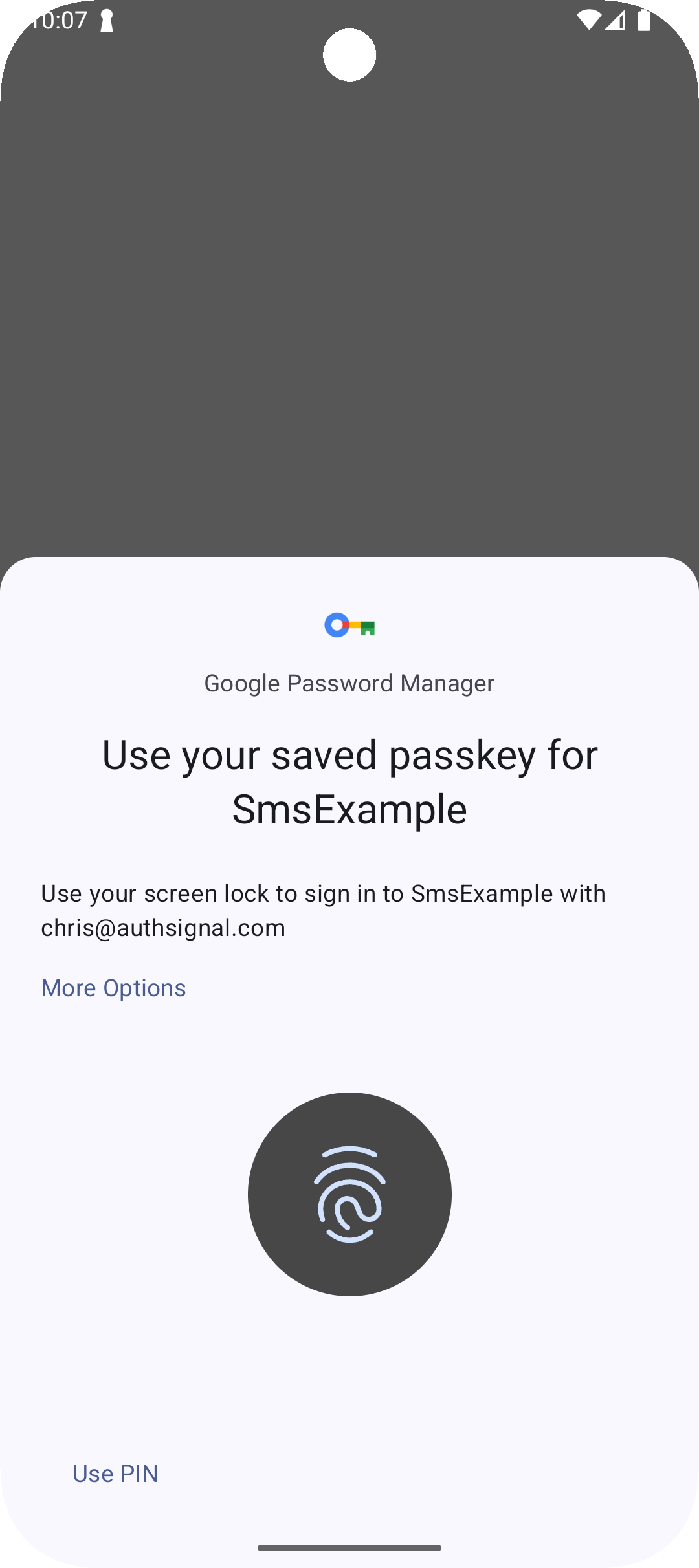
You can use Authsignal's [Mobile SDKs](/sdks/client/mobile/setup) to implement authentication flows while crafting your own fully native UI.
 ## Authentication methods
Our Mobile SDKs can be used to implement a variety of authentication methods.
Add passkeys to your mobile app for phishing-resistant passwordless sign-in and step-up
authentication.
Allow users to sign-in across devices using push notifications and public key cryptography.
Allow users to sign-in across devices using QR codes and public key cryptography.
Send OTPs via email to authenticate users and verify email addresses.
Send OTPs via SMS to authenticate users and verify phone numbers.
Authenticate with OTPs sent via WhatsApp as a cost-saving alternative to traditional SMS.
Authenticate with time-based one-time passcodes generated in an authenticator app such as Google
Authenticator.
Verify users with strong credentials backed by public key cryptography.
## Get started
Follow the [SDK documentation](/sdks/client/mobile/setup) on setting up the Mobile SDK for Swift, Kotlin, React Native or Flutter.
## Authentication methods
Our Mobile SDKs can be used to implement a variety of authentication methods.
Add passkeys to your mobile app for phishing-resistant passwordless sign-in and step-up
authentication.
Allow users to sign-in across devices using push notifications and public key cryptography.
Allow users to sign-in across devices using QR codes and public key cryptography.
Send OTPs via email to authenticate users and verify email addresses.
Send OTPs via SMS to authenticate users and verify phone numbers.
Authenticate with OTPs sent via WhatsApp as a cost-saving alternative to traditional SMS.
Authenticate with time-based one-time passcodes generated in an authenticator app such as Google
Authenticator.
Verify users with strong credentials backed by public key cryptography.
## Get started
Follow the [SDK documentation](/sdks/client/mobile/setup) on setting up the Mobile SDK for Swift, Kotlin, React Native or Flutter.